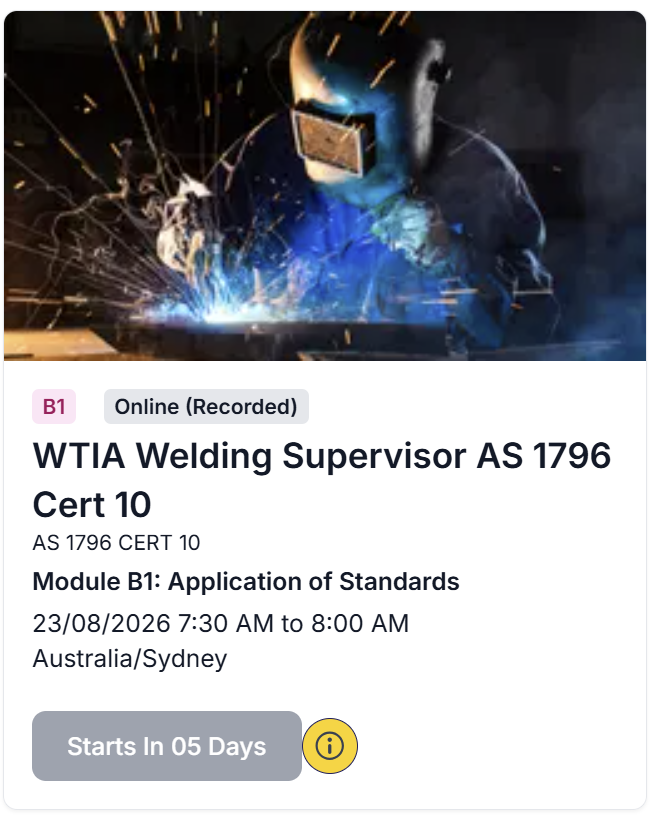
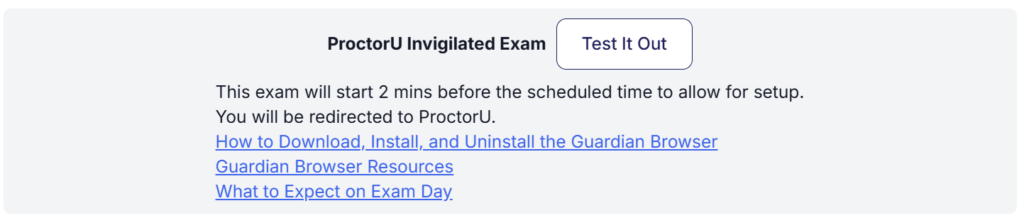
Click the information button next to your exam “Start” button
Click the “Test It Out” button
Use the automated equipment check to test your webcam, microphone, speakers and internet speed, and to confirm no other devices are interfering with your connection. If anything falls short e.g. slow internet, an unsupported browser, or a second monitor connected — fix it before exam day.